
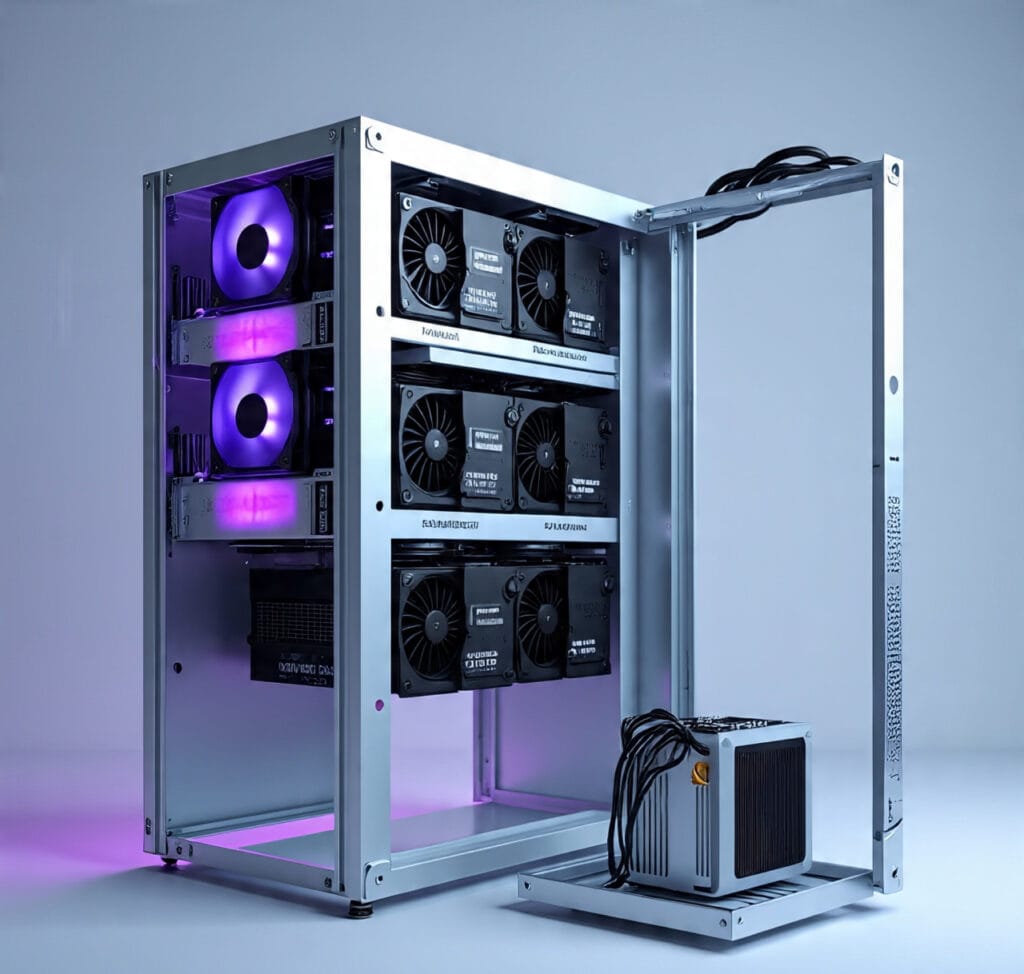
How to Build a Budget Mining Rig
Mining in 2025 and Why Budget Rigs Still Matter
Cryptocurrency mining has changed dramatically in the last few years. By 2025, the difficulty of mining popular coins such as Bitcoin, Ethereum alternatives, and newer blockchain projects has increased due to higher hash rates and stronger competition. Electricity costs have also gone up in many countries, making mining less profitable for people who do not plan their rigs wisely.
Yet budget mining rigs are still important. Beginners, small-scale miners, and people in regions with affordable electricity can still make consistent profits by using optimized hardware and software. A budget mining rig is not about cutting corners. Instead, it’s about choosing cost-effective components, assembling them correctly, and running them efficiently for the best return on investment.
This guide will show you step-by-step how to build a mining rig in 2025 without overspending while making sure it remains powerful enough to handle modern blockchain requirements.
What a Mining Rig Really Is and How It Works Today
A mining rig is essentially a computer system that is optimized to solve cryptographic puzzles. These puzzles validate transactions on a blockchain network, and miners are rewarded with coins or transaction fees. In 2025, there are three main categories of rigs:
- GPU Mining Rigs – Built using multiple graphics cards (GPUs). They are best for budget builds because they are flexible, and you can mine different coins.
- ASIC Miners – Application-Specific Integrated Circuits. These machines are very powerful but expensive and limited to one type of algorithm.
- Hybrid Rigs—A mix of CPU, GPU, and sometimes specialized chips.
For beginners and budget-conscious miners, GPU rigs remain the most practical option. They allow you to start small and expand later by adding more GPUs.
Step 1: Choosing the Right GPU or CPU for a Budget Rig
When building a mining rig in 2025, the most important component is the GPU. It decides the hash rate, energy efficiency, and profitability.
- Best Budget GPUs for 2025
- NVIDIA RTX 3060 and RTX 3070 (still efficient and now cheaper).
- AMD RX 6700 XT and RX 6600 XT (excellent balance between cost and performance).
- Used GPUs from trusted sellers can save money, but test them carefully.
CPU for Mining Rigs
Most mining rigs do not require a powerful CPU because the GPU does most of the work. A simple, reliable processor like an Intel i3 or AMD Ryzen 3 is enough. Avoid overspending here.
Tips:
- Avoid outdated GPUs that have poor efficiency.
- Check the power draw; lower wattage per hash rate is better.
- Buy in small batches to reduce initial cost.
Step 2: Selecting a Reliable Motherboard and RAM
The motherboard decides how many GPUs you can attach. Mining motherboards are built with multiple PCIe slots.
- Budget Mining Motherboards in 2025
- ASUS B250 Mining Expert (up to 19 GPUs).
- MSI Z390-A PRO (6–8 GPUs).
- Biostar TB360-BTC PRO (12 GPUs).
For RAM, mining doesn’t need much.
- 8GB DDR4 is enough for most rigs.
- If you plan to multitask or run heavy mining software, 16 GB is safer.
Make sure RAM and the motherboard are compatible with your CPU.
Step 3: Picking Storage and Power Supply
Storage
Mining does not require large storage because blockchain data is stored on the network, not your hard drive.
- A 120GB SSD is cheap and perfect for mining rigs.
- Avoid HDDs; they are slower and less power-efficient.
Power Supply (PSU)
One of the most critical parts of a mining rig is the PSU. A bad PSU can burn your entire system.
- Calculate total GPU wattage + CPU + motherboard, and add a 20% buffer.
- For example, 6 GPUs using 120W each = 720W. Add CPU (65W) + board (50W) = 835W. Add a 20% buffer = 1000W PSU.
- Buy Gold- or Platinum-certified PSUs for stability and efficiency.
Step 4: Mining Rig Frame and Cooling Setup
The rig frame holds your components in place and allows airflow. You can buy a ready-made frame or build one at home using aluminum or wood.
Cooling in 2025 is critical because GPUs can heat up quickly.
- Use at least 2–3 high-speed fans.
- Place the rig in a room with proper ventilation.
- Avoid closed cases that trap heat.
Some miners even use liquid cooling, but for budget rigs, good airflow is enough.
Step 5: Assembling the Mining Rig Step by Step
- Place the motherboard on the frame.
- Install the CPU, apply thermal paste, and mount the CPU cooler.
- Insert RAM into the motherboard slots.
- Connect the SSD storage.
- Plug in the PSU and connect to the motherboard.
- Attach GPUs one by one using PCIe risers.
- Connect GPUs to the PSU using proper power cables.
- Double-check wiring before turning on.
Common mistakes to avoid:
- Mixing the wrong PCIe cables.
- Not securing GPUs firmly.
- Ignoring proper grounding for safety.
Step 6: Installing Mining Software in 2025
Once the hardware is ready, install the mining software.
- Popular choices in 2025: NBMiner, GMiner, PhoenixMiner.
- Install Windows or a Linux-based mining OS like HiveOS.
- Update GPU drivers.
- Connect your crypto wallet for payouts.
Set up mining software to automatically start when the system boots. This prevents downtime if your rig restarts.
Step 7: Connecting to Mining Pools
Mining alone in 2025 is not profitable because competition is too high. Joining a mining pool combines your rig’s power with others.
Best budget-friendly pools in 2025:
- Ethermine (Ethereum alternatives)
- Slush Pool (Bitcoin)
- F2Pool (multiple coins)
Look for pools with:
- Low fees (1% or less).
- Reliable uptime.
- Transparent payout system.
Step 8: Optimizing Performance and Power Efficiency
A budget rig must be energy efficient to stay profitable.
- Undervolting: Reduce GPU voltage to save power.
- Overclocking: Increase the GPU memory clock for a higher hash rate.
- Monitoring tools: Use MSI Afterburner or HiveOS for tuning.
Target efficiency: maximum hash rate at the lowest possible wattage. This directly improves profits.
Step 9: Maintenance and Troubleshooting
Mining rigs run 24/7, so maintenance is important.
- Clean dust every 2 weeks.
- Check temperatures daily (keep GPUs under 70°C).
- Monitor fan speeds.
- Restart the rig if the hash rate drops suddenly.
Common problems:
- Overheating: Fix airflow or reduce overclock.
- Driver crashes: Update software.
- Rig won’t start: Recheck PSU and cable connections.
Budget Breakdown for a Mining Rig in 2025
Here’s a sample budget for a 6-GPU rig in 2025:
- 6 × NVIDIA RTX 3060 GPUs = $1,500
- Motherboard = $150
- CPU = $120
- RAM 8GB = $40
- SSD 120GB = $30
- PSU 1000W = $150
- Frame + cooling = $100
Total: Around $2,090 (prices vary by country).
Monthly earnings depend on electricity rates and coin choice. At an average hash rate, you could make $150–250 per month with low power costs.
Future of Budget Mining Rigs and Profitability
The future of mining rigs in 2025 depends on electricity prices, coin difficulty, and global regulations. Some countries are cracking down on mining, while others are encouraging it.
Budget rigs are versatile because:
- You can repurpose GPUs for gaming or AI computing.
- Small rigs are easier to relocate if electricity rates rise.
- They allow beginners to enter mining without huge risk.
Even if mining profitability falls, a well-built budget rig can remain useful for secondary income, gaming, or reselling GPUs later.
Conclusion
Building a budget mining rig in 2025 is not just about saving money—it’s about making smart choices that balance performance and efficiency. By choosing cost-effective GPUs, pairing them with reliable motherboards, ensuring proper cooling, and using mining pools, you can create a rig that pays for itself over time.
Start small, learn from your setup, and expand as your profits grow. Mining may have become more competitive, but with the right strategy, even a budget-friendly rig can succeed in 2025.
🔗 References
- CoinDesk – Cryptocurrency Mining Basics and Future
👉 https://www.coindesk.com/learn/what-is-cryptocurrency-mining - Investopedia – How Bitcoin Mining Works
👉 https://www.investopedia.com/tech/how-does-bitcoin-mining-work - Tom’s Hardware – Best GPUs for Mining in 2025
👉 https://www.tomshardware.com/best-picks/best-mining-gpus - CryptoCompare – Mining Pools Overview
👉 https://www.cryptocompare.com/mining/pools/ - HiveOS – GPU Mining Software and Tools
👉 https://hiveon.com/os/ - BitDegree – Step by Step Guide to Building a Mining Rig
👉 https://www.bitdegree.org/crypto/tutorials/how-to-build-a-mining-rig - F2Pool – Mining Pool Fees and Details
👉 https://www.f2pool.com/ - NiceHash Blog – Mining Rig Optimization Tips
👉 https://blog.nicehash.com