
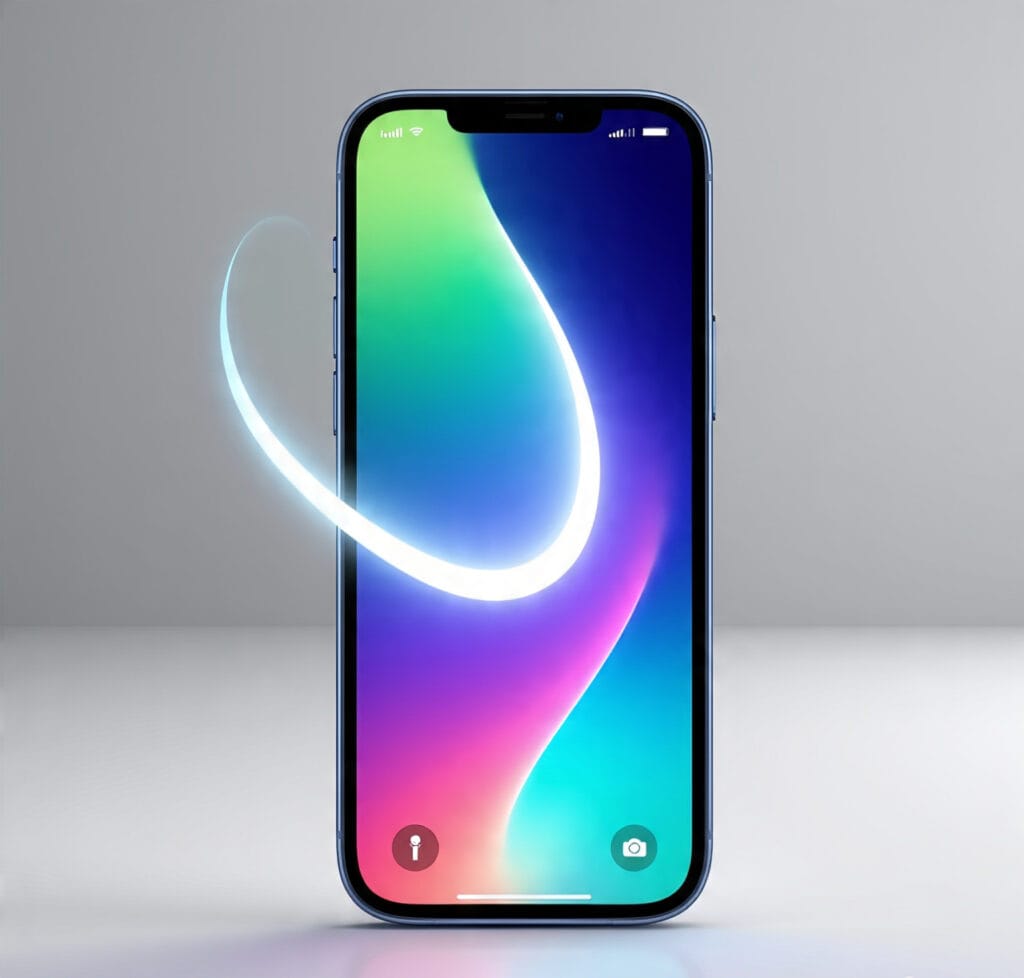
iOS 26 Update
Apple has officially rolled out iOS 26, and it’s more than just another software upgrade. This version brings a new era of AI-powered experiences, a redesigned interface, and countless hidden improvements that make iPhones smarter, faster, and more personal than ever before. If you’ve been waiting to explore what iOS 26 has in store, this detailed guide will walk you through every feature, benefit, and upgrade you need to know.
The Evolution of iOS
For over a decade, Apple has redefined the smartphone experience with each iOS release. From introducing the App Store in iOS 2 to advanced security features in iOS 16 and widgets in iOS 14, every update has been a step toward making iPhones more intuitive.
But iOS 26 is different. This is the first iOS release where artificial intelligence isn’t just an add-on—it’s at the very core of the system. Apple has merged design, intelligence, and personalization into a single powerful update.
The All-New AI Experience
AI-Powered Siri
Siri has received its biggest upgrade in years. Thanks to advanced on-device AI, Siri is now smarter, faster, and more conversational. It can handle multi-step tasks such as “Plan a workout playlist, text my trainer, and remind me at 6 AM” without needing separate commands.
This change makes Siri not just a voice assistant but a true personal AI companion.
Real-Time Call Screening
Inspired by user demand, iOS 26 introduces AI-driven call screening, allowing you to see live transcripts of incoming calls. Spam and scam calls are automatically flagged, ensuring you never waste time on unwanted interruptions.
Intelligent Photo Editing
The Photos app now includes AI photo retouching tools. With just one tap, you can remove unwanted objects, enhance backgrounds, or even generate creative edits. Apple’s AI is designed to work naturally, without the over-processed look common in other apps.
Design: The Liquid Glass Interface
Apple calls it Liquid Glass, and it’s the most striking design change since iOS 7. This new interface adds depth, fluid animations, and a glossy aesthetic that feels alive. Icons adapt to your wallpaper, widgets display real-time data in 3D-like layers, and transitions feel seamless.
The design isn’t just about looks—it’s optimized for battery efficiency and smooth performance across devices.
Privacy and Security in iOS 26
Apple has doubled down on privacy, a core part of its brand identity. With iOS 26:
- On-Device AI Processing: Your personal data never leaves your iPhone.
- Advanced App Permissions: Apps must now request permission for every type of data access, making privacy transparent.
- Secure Vaults for AI Data: Any information Siri or AI features learn is stored locally.
This makes iOS 26 one of the most secure operating systems in the world.
Productivity Features You Can’t Miss
Smarter Widgets
Widgets in iOS 26 are now interactive, allowing you to perform quick actions like controlling music, managing reminders, or sending quick replies without opening the app.
AI-Powered Notes
The Notes app can now auto-summarize your content, extract key points, and even generate checklists from your writing. Students, professionals, and content creators will find this feature invaluable.
Enhanced Multitasking
iOS 26 improves multitasking with dynamic split view, making it easier to use two apps side by side on larger iPhone models.
iOS 26 for Gamers
Gaming gets a huge boost with the Game Mode feature. By prioritizing CPU and GPU resources, iPhones running iOS 26 deliver smoother frame rates, reduced latency, and better graphics performance. Pair this with AI-enhanced sound optimization, and mobile gaming feels console-like.
Hidden Features You Should Try
- Live Translate: Real-time translation of phone calls and messages.
- AI Keyboard: Predictive typing is more accurate and context-aware.
- Focus Enhancements: Smart AI profiles adjust notifications based on your activity.
- Health Upgrades: The Health app now includes AI-driven sleep tracking and stress monitoring.
Compatibility: Which iPhones Support iOS 26?
iOS 26 is compatible with iPhone models starting from the iPhone 13 series and newer. While older devices miss out due to hardware limitations, the new update ensures that supported iPhones can handle the intensive AI processing smoothly.
Expert Opinions on iOS 26
Tech experts are already calling iOS 26 a “game-changer” for Apple. Publications like The Verge highlight the Liquid Glass design as a bold step forward, while analysts at Wired focus on Apple’s new call screening feature, noting that it gives iPhone users tools long available on competitor devices.
Why iOS 26 Matters
This update isn’t just about new features. It represents Apple’s vision for the future—where your iPhone becomes a truly intelligent companion that understands context, adapts to your lifestyle, and prioritizes your privacy.
With iOS 26, Apple proves it can balance cutting-edge technology with user trust, something very few companies can achieve.
Final Thoughts
The iOS 26 update delivers everything Apple fans hoped for—and more. From AI-driven personalization to a striking new design, it sets a new benchmark in mobile technology. Whether you care about productivity, creativity, or just smoother everyday use, iOS 26 ensures your iPhone feels brand-new.
If you haven’t updated yet, now’s the perfect time to experience the future of mobile intelligence.